Showing posts with label CI CD. Show all posts

May 26, 2022

AWS India Summit 2022- A Virtual tour on Cloud9

 AWS India Summit 2022 have lots of excitement in store for the #cloud lovers.

Developer Keynote


Bhuvana Keynote
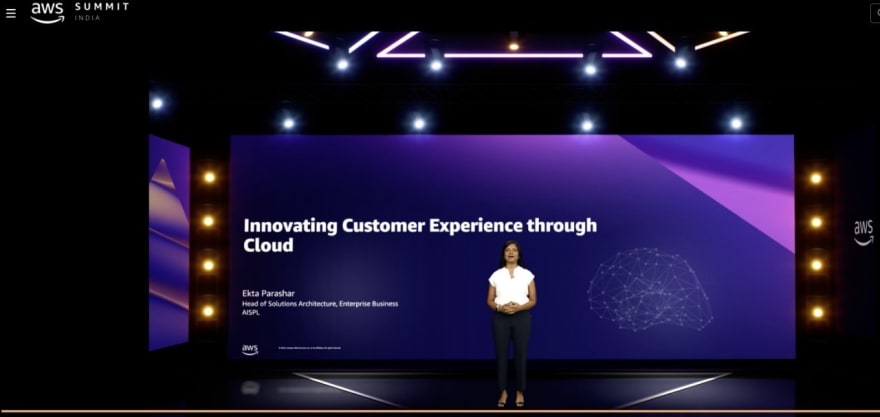
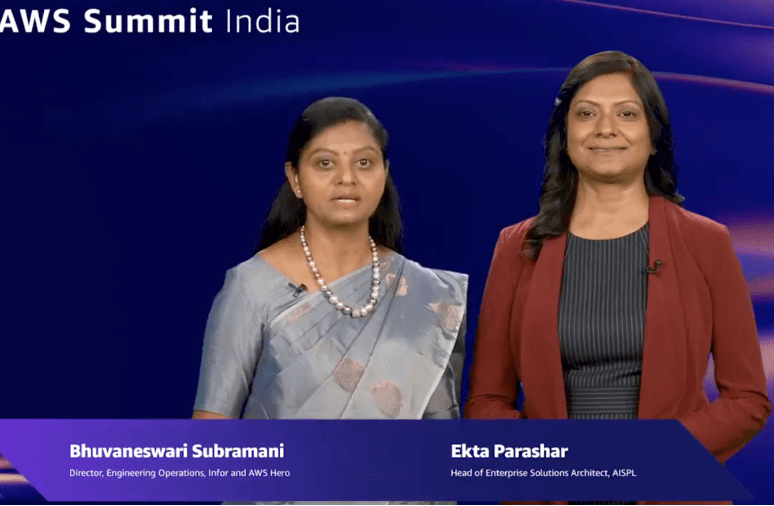
As an #awshero, I am super stoked to join hands with Ekta Parashar, Head of Solutions Architecture, Enterprise Business, #awscloud, India, as part of the developer #keynote talking about how all complex systems that work well now evolved from simpler systems that worked.

You will learn how the ease of Amplify Studio can quickly take you from a designer’s vision to a full-stack, AWS connected application that can scale as your business and how the Modern #DevOps is foundational for building modern applications.


Thanks to AWS Users Group Bengaluru and AWS User Group India for the reason behind this wonderful opportunity!

Many thanks to Infor, Vynessa Alexander, Tom Sorgie, Adam Malter and Jackson Lee for their constant support.

All this wouldn't be possible without smiling faces on Cloud9 -> Rohini Gaonkar, Ridhima Kapoor, Rashmi Nambiar, Suman Debnath, Ross Barich, and Dave Isbitski

Continuous contribution towards #awscommunity, many talks for colleges and industry conferences have helped me to scale as a speaker at many international forums, 3 times in #awsreinvent and now part of #keynote in AWS India Summit 2022.

A Keynote shot - Bhuvana
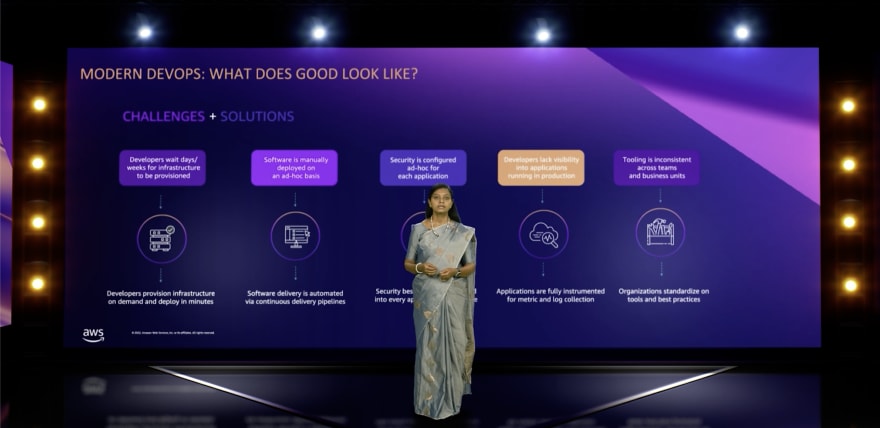
Bhuvana Keynote


A Keynote shot - Ekta

Ekta


Ekta and myself - Keynote Promo

Bhuvana & Ekta


Build on AWS Track

Here you go with the
SlideDeck for the session.
Pretty excited to talk about Infor Nexus use-case End-to-End CI/CD at scale with Infrastructure-as-Code on AWS

Theme of the talk
You can increase development speed and encourage best practices by enabling CI/CD across your organization through repeatable patterns and infrastructure-as-code templates. This is achieved by creating and maintaining easily extensible infrastructure-as-code patterns for creating new services and automatically deploying them using CI/CD. In this session, we will dive deep into building a production-ready, multi-account, at scale CI/CD pipeline using your own Jenkins with Infrastructure at Code using AWS CloudFormation and discuss best practices for building DevOps capabilities for your applications running on AWS.
BuildonAWS
Don't miss the talk by amazing speakers of Build on AWS track! Join our AWS Heroes and Community Builders - Bhuvaneswari Subramani , Dijeesh Padinharethil , Jones Zachariah Noel N , Dipali Kulshrestha , Rajat Arora , Sanchit Jain ,Sridevi Murugayen and ofcourse Rohini Gaonkar for tirelessly working for couple of months to build the track.


Recordings


coming soon

Press

Woke up on May 25th to witness AWS India Summit 2022 featured on the Front Page of Economic Times daily across India and Mint as well.
Here are the clippings..
Economics Times
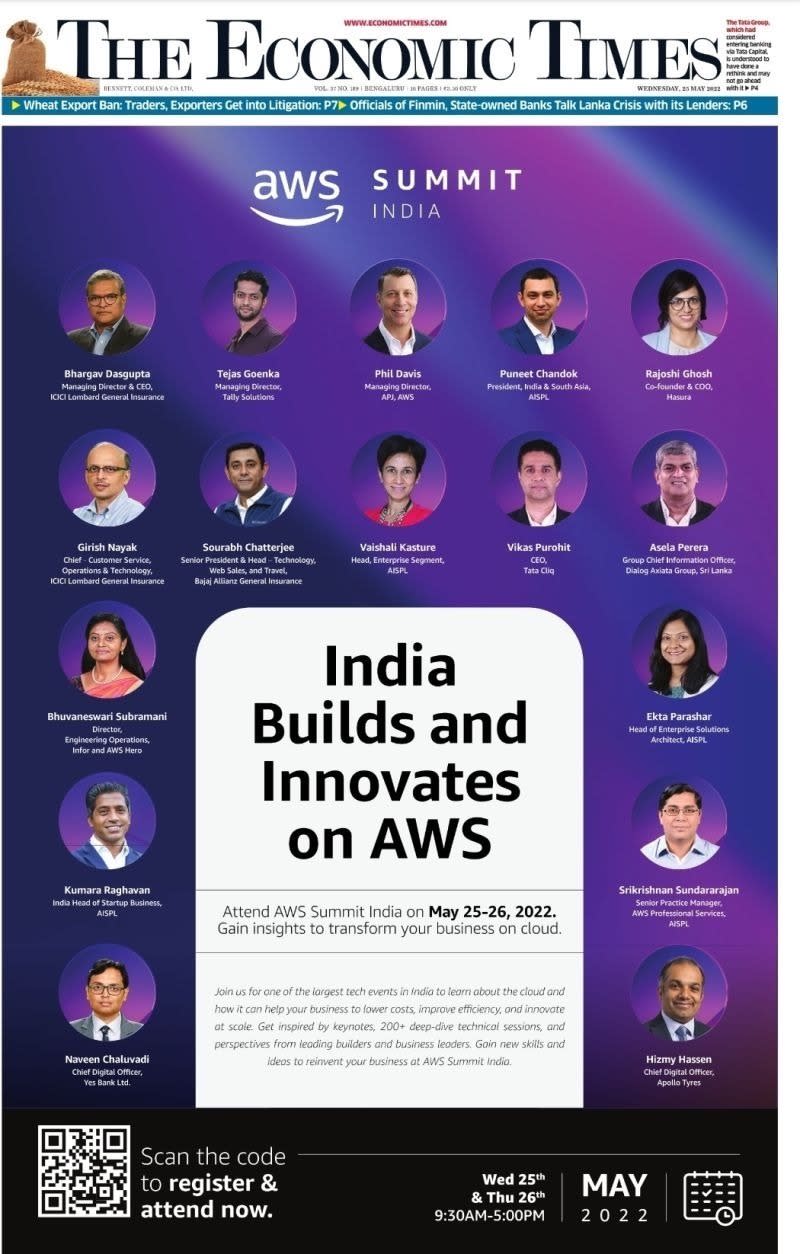
ET

Mint
Mint


AWS Cloud Announcements

Behind the Scenes


While we sit and enjoy the wonderful virtual session in the comfort of home, just wanted to look back and appreciate the effort gone into making a best in class virtual conference

Great learning from content creation, recording and now live.

Thanks to all the hard work gone into making the event successful.


Keynote Recording

Keynote Recording


Breakout Recording
Breakout Recording

With the best tech mind
Rohini and Bhuvana

Glad to meet Ridhima for first time
Ridhima and Bhuvana

Our photo time
v4

War room from where the whole event was streamed
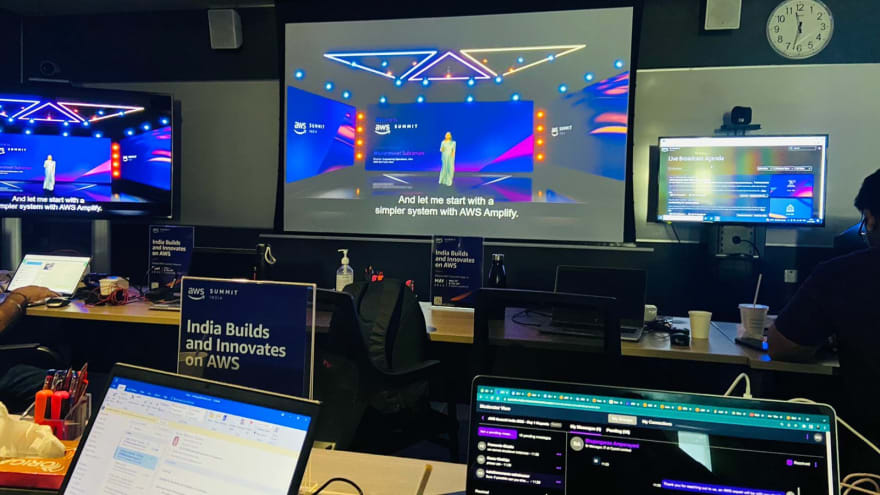
War Room

July 3, 2020

Demystifying DevOps for #IEIIndia and IGEN Innovation Consortium

While the Institution of Engineers #India) #IEI is stepping into their #Century Celebration, joined hands with the IGEN Innovation Consortium (I2C) in organizing series of "Online Lectures" on Trending Topics, I was super stoked to present on Demystifying #DevOps with Traditional DevOps & #awscloud DevOps Services. And most importantly for my first ever talk to the Indian Govt backed statutory body that strives to promote and advance the engineering and technology in India. I am sure they take everystep help reach latest in the technology to people from all walks of life - be it student, staff, working professionals in private and government sector. Amazing efforts..

Here you go with the Slide Deck bit.ly/DemystifyingDevOps
and stay tuned for more such sessions hosted by #IEI and IGEN from Youtube channek

https://www.ieindia.org/
http://theigen.org/innovation/

Thanks to IEI TNSC Chairman for hosting the event and Suresh Seetharaman for the invite.

March 28, 2020

AWSUGDelhi Online Meetup - CI CD using AWS Developer Tools

Self-isolation shouldn't prevent one from sharing / learning 😊
We have #awscommunity online #meetup coming-up for AWS User Group Delhi in association with .
Register @ https://www.meetup.com/AmazonAWS-Delhi/events/269564518/ and stay tuned for 4th April 2020.
Please note that the registered participants will be notified with the meeting invite.

Thanks to Dipali Kulshrestha for planning the event.


September 28, 2018

LAB 13: Create a pipeline using AWS CodePipeline for Lambda deploy

This Lab has the step by step instructions to create a CI CD pipeline for a Serverless Application Deployment - Lambda using AWS CodeCommit, AWS CodeBuild, AWS Lambda, AWS CodeDeploy & AWS CodePipeline

Ensure to complete LAB 9 through LAB 12 including pre-requisite as stated in AWS Developer Tools CI CD Lab blog.

Login to AWS Console as `codedeploy_user`, go to AWS CodePipeline and create a pipeline with the following configuration

Create a Pipeline


Add Approve & Execute Stage

Once the above pipeline is created, edit to add 2 more stages as ApproveChangeSet and ExecuteChangeSet


Select the ARN of the SNS topic you have created earlier in this Lab series

Run the Pipeline

We have 5 stages as Source, Build, Staging, ApproveChangeSet and ExecuteChangeSet.
After the Build & Staging (after creating the CloudFormation ChangeSet), the pipeline is waiting on the manual approval.

Approval process

Based on our email configured in SNS Topic: Subscription, email notification will be sent as follows and the user can launch the URL provided for Approve or Reject and approve it.


Once the Manual approval is completed, ExecuteChangeSet stage will be executed and the Lambda function is created through CloudFormation template.


September 27, 2018

LAB 12: AWS CI CD Create Service Role for CloudFormation Deploy & Lambda

In this Lab, you will be creating a Service Role to do the CloudFormation deployment and Lambda Execution 

Ensure to complete LAB 9 through LAB 11 including pre-requisite as stated in AWS CI CD - 3rd Workflow - Serverless Application Deployment Lab blog
Login to AWS Console as `codedeploy_user` & go to AWS IAM dashboard -> Roles -> Create Role, select AWS Service as the type of trusted entity and proceed with the below configuration to create the role named CloudFormationServiceRole


Create an in-line policy CFN_Lambda_CICD_Policy with the policy document from Github.

Create Lambda Service Role


Create an in-line policy policy_LambdaWorker with the policy document from Github.


LAB 11 - AWS CI CD - Setup a Build Project in AWS CodeBuild for Lambda

This Lab has the step by step instructions to create & configure a Build using AWS  CodeBuild, which will compile the latest commit of the Lambda function, generate the artifact and uploaded to the named S3 bucket.

Ensure to complete LAB 9 through LAB 10 including pre-requisite as stated in AWS CI CD - 3rd Workflow - Serverless Application Deployment Lab blog.
Please note that for the purpose of this example, the Serverless Application is using demo-4-codedeploy as the bucket name. Make sure to edit that with your S3 bucket name before you proceed further.

Login to AWS Console as `codedeploy_user` & go to AWS CodeBuild from AWS Console, click Create Project and proceed with the configuration as follows

Build Source


Build Environment


Storying Build Artifacts


Enabling Build Logs


Save the Build & Run. Verify that the artifact is uploaded to S3 Bucket.

buildspecl.yml

Here is the closer look of buildspec.yml used in this example. In addition to this, you can environment variables as stated below

<add buildspec.yml>


Debugging CodeBuild

  • AWS CodeBuild is a managed service, which uses pre-defined container images for handling builds. Hence you will not have access to the container images running your build.
  • Local Build Support is enabled for AWS CodeBuild since May 2018, which you can use for debugging issues locally.
  • Enabling Logging to CloudWatch or S3 is key to monitor the build progress from AWS Management Console and for debugging in case of failures

LAB 10: Setup Repository in AWS CodeCommit for Lambda

This Lab has the step by step instructions to setup a Repository in AWS CodeCommit, add the pre-developed Lambda Application Code and commit the Changeset
Ensure that you have already went through the AWS CI CD using AWS Developer Tools & create IAM User, Group and S3 bucket before we move forward.
  1. Login to AWS Console as `codedeploy_user` & go to AWS CodeCommit dashboard
  2. Create an empty repository as, codecommit_lambda and you may Skip SNS Topic as of now and view the Connect to your repository screen

  1. 3. Get the clone URL (say git clone https://git-codecommit.us-east-1.amazonaws.com/v1/repos/codecommit_lambda), paste run it on your terminal. It will ask for username and password, enter the Git Credentials you have generated in Lab-9. You will get a warning that you appear to have cloned an empty repository and you are good to proceed.

  2. Download the Serverless Application source code from here and commit to your Git Repo using the commands as in below command line reference
  3. $ git clone <git URL>

                $ git init
     
                $ git status
  4. $ git add .
  5.                   $ git commit -m "Adding Serverless Application to CodeCommit Repo"
                      $ git push
                      $ git status

Now your source code is in git and may use the below command to commit the changes, if any, to the source code
  • git status - To view the changes 
  • git add . - to add all changes to the local repo and use git add <folder[/file]> to add selected folder or file to the local repo
  • git rm . - to add all changes to the local repo and use git rm <folder[/file]> to add selected folder or file to the local repo
  • git commit -m “what changes are getting in”
  • git commit --amend - will open the editor for you to modify the commit. Commit can be modified from command line as well using git commit --amend -m “New Commit”
  • git push - push the changes to the remote
  • git log -2 - gives the last two commit
  • git  branch -lvv - gives the local branches with remote mapping
  • git checkout <branchname> - to checkout from a remote branch
  • git branch -D <branchname> - to delete a local branch
  • git reset --hard <branchname> - to do a hard reset to the head of the revision from the remote - This is helpful if your local branch is messed-up and you want to overwrite everything from remote.